

1
Go to the Nevermined App
Open nevermined.app and sign in with your account.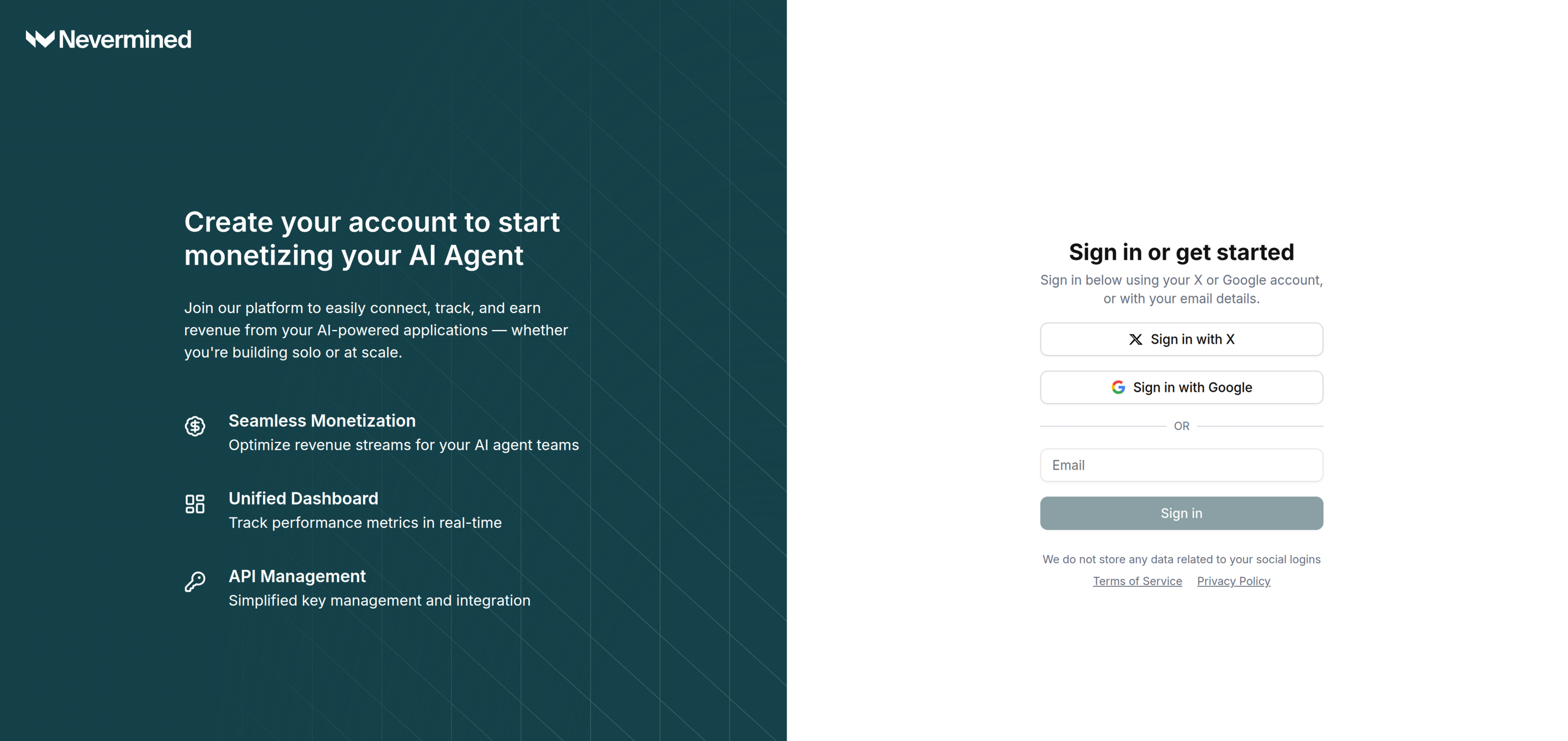
2
Navigate to API Keys
Go to Settings > Global NVM API Keys.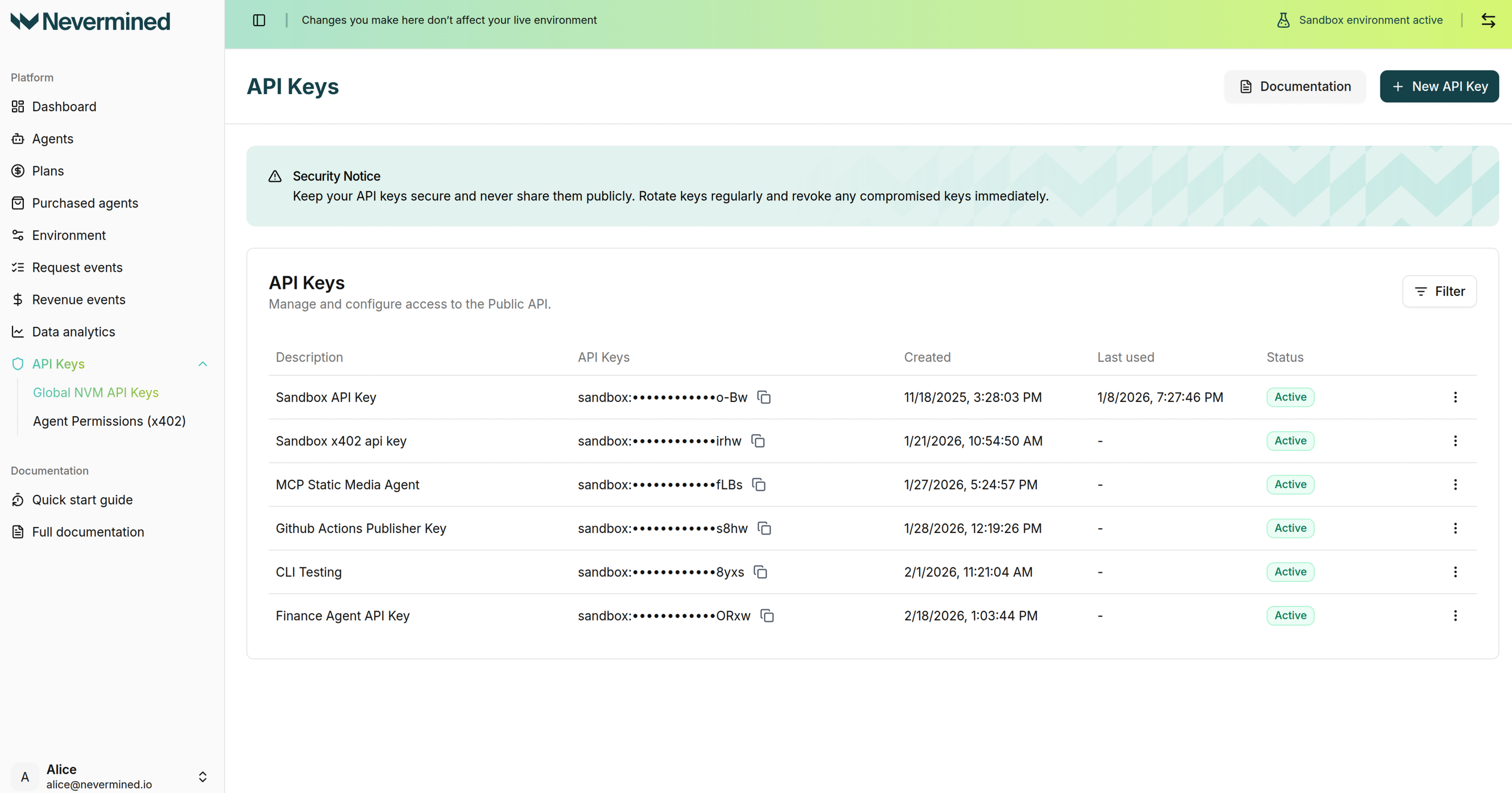
3
Create a New API Key
Click the + New API Key button.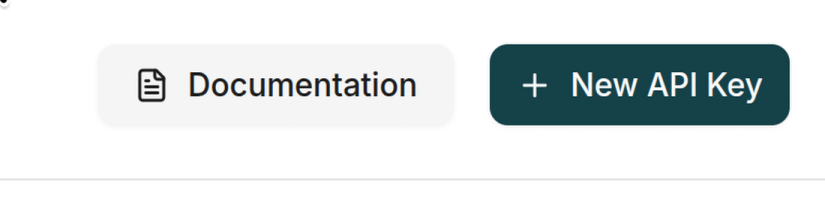
4
Configure and Generate
Give your key a descriptive name, select the permissions you need, and click Generate API Key.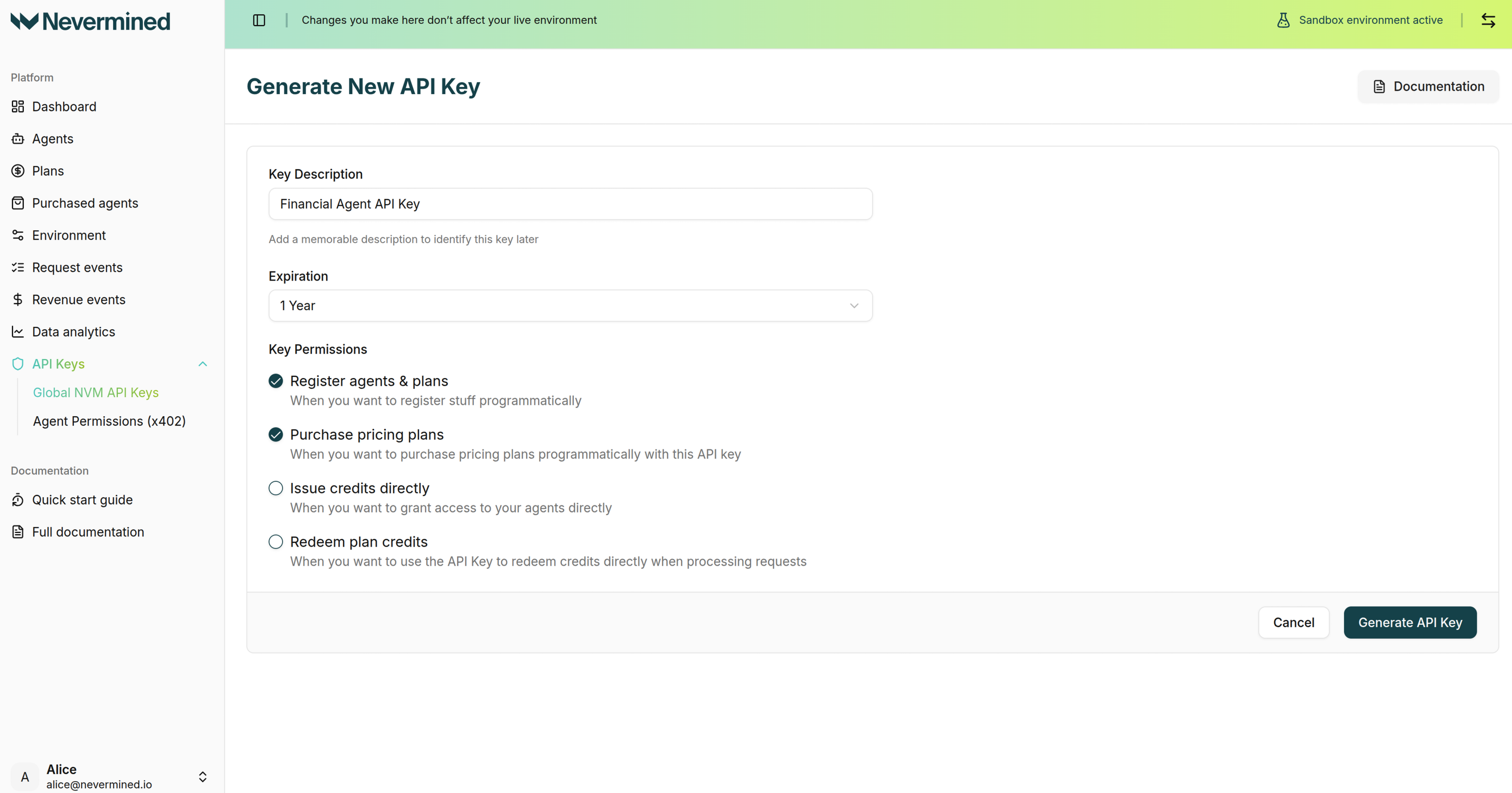
5
Copy Your Key
Once created, click Copy Key to copy it to your clipboard. Store it securely as an environment variable:API keys are environment-specific. Keys created in the Sandbox environment will start with 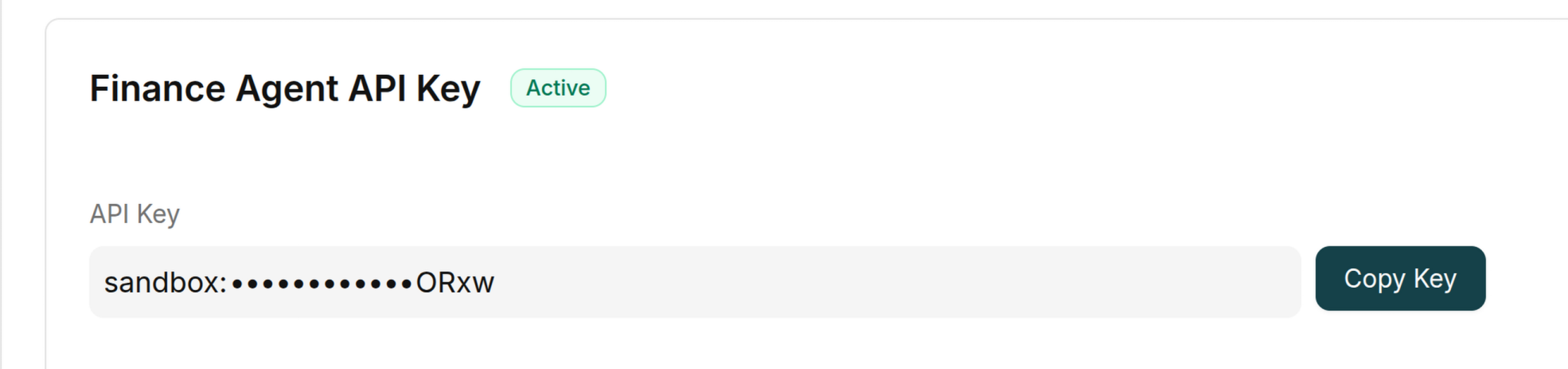
sandbox:, and keys created in the Live environment will start with live:. Use a different API key for each environment, and set NVM_ENVIRONMENT to sandbox or live to match the key you are using.